
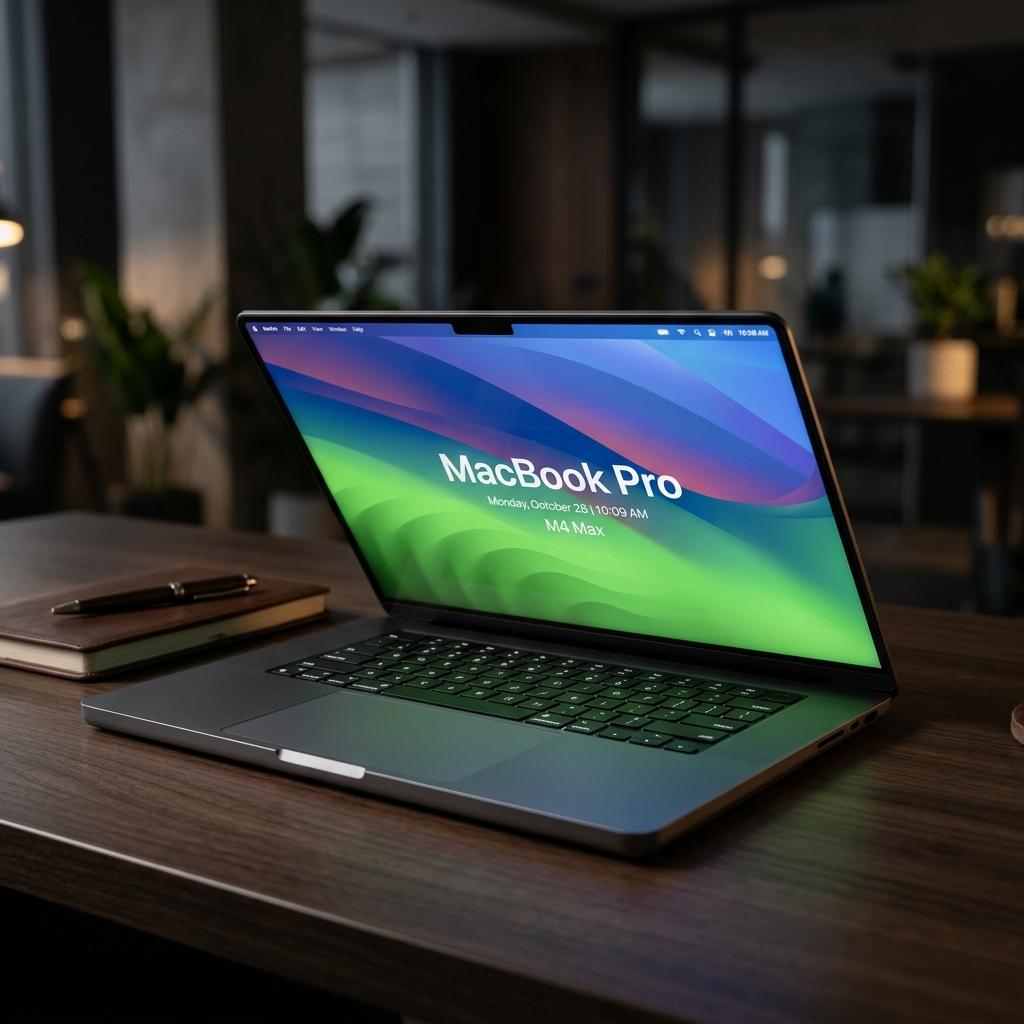
MacBook Pro 16-inch M4 Max
Verdict
The M4 Max mobile workstation — the same argument as the M3 Max, executed further.
Where it wins, where it doesn't
Pros
- Unrivaled performance-per-watt
- Stunning Mini-LED display
- Exceptional thermal management
Cons
- Extremely expensive memory upgrades
- Not suited for most AAA PC gaming
- Heavy frame
Specifications
| Key Features | 16.2-inch Liquid Retina XDR display, M4 Max 16-core CPU, 40-core GPU, up to 128GB RAM |
|---|
Editorial note
The M4 Max refines rather than reinvents: better performance per watt, the same excellent Mini-LED panel, and thermal behaviour that keeps sustained workloads from throttling in a way that still embarrasses most Windows workstations. If you are choosing between this and the M3 Max, the deciding factor is usually price on the used market rather than capability — the generational gap is real but not transformative for most work. The constraints are unchanged and worth repeating because they cost the most money: memory upgrades are priced punitively and cannot be done later, so the configuration decision is permanent. Gaming remains a poor fit, and at 16 inches this is a heavy machine to carry daily. Buy it as a portable workstation, not as a laptop.
In-Depth Review
Architectural Performance and Thermal Behavior
Starting at USD3,499, the Apple MacBook Pro 16-inch M4 Max pairs a 16-core CPU, a 40-core GPU, and support for up to 128GB of unified memory behind a 16.2-inch Liquid Retina XDR display. This configuration targets technical users who require maximum computational throughput in a mobile form factor without performance degradation during extended workloads.
In real-world deployment, these specifications translate into sustained execution for video editors, 3D artists, and software engineers running heavy local builds. The system’s primary strength is its unrivaled performance-per-watt combined with exceptional thermal management. Under prolonged compute loads, the thermal design prevents the CPU and GPU from throttling, maintaining high clock speeds in scenarios that traditionally degrade the performance of competing Windows workstations. This performance is matched by the 16.2-inch Mini-LED panel, which delivers high contrast and consistent color accuracy for precise visual production away from fixed studio displays.
Generational Positioning and Trade-Offs
The M4 Max refines Apple’s platform rather than reinventing it. While it advances efficiency over the previous generation, the performance gap between the M4 Max and the M3 Max is incremental rather than transformative for most software stacks. For buyers evaluating secondary market options, the price difference for an M3 Max system may outweigh the generational gains of the M4 Max.
The primary trade-off of this architecture is financial and structural lock-in. Apple's unified memory upgrades are priced extremely high, and because the memory cannot be upgraded after purchase, configuration decisions are permanent. Buying insufficient capacity at the outset risks early obsolescence, while scaling memory to the maximum 128GB dramatically inflates the total system cost.
Target Audience and Verdict
Physical handling presents another compromise. The 16-inch chassis is a heavy frame to carry daily, functioning more like a luggable workstation than a lightweight laptop. Additionally, despite the high execution capability of the 40-core GPU, the platform remains a poor fit for most AAA PC gaming due to platform software constraints.
The MacBook Pro 16-inch M4 Max should be evaluated strictly as a portable mobile workstation. It wins decisively for creative professionals and engineers who need uncompromised, unthrottled computational performance and high display quality off wall power. Users seeking a light daily driver, budget-friendly memory expansion, or a primary gaming rig should skip this machine.
Frequently Asked Questions
Who is MacBook Pro 16-inch M4 Max for?↓
What are the drawbacks of MacBook Pro 16-inch M4 Max?↓
What does MacBook Pro 16-inch M4 Max do well?↓
How much does MacBook Pro 16-inch M4 Max cost?↓
What is the Fathom Layer design score for MacBook Pro 16-inch M4 Max?↓
Alternatives to consider
See all alternatives →Further reading
Featured badge
Building this product? Add the badge to your site to show it’s in the index.

<a href="https://fathomlayer.com/compute/premium-laptops/macbook-pro-16-inch-m4-max" target="_blank" rel="noopener noreferrer"><img src="https://fathomlayer.com/fathom-badge.svg" alt="Featured on Fathom Layer" width="250" height="54" /></a>