
Hardware Architecture Center
Silicon
Unleashed.
Build, benchmark, and deploy. Discover the exact hardware specifications required to run the next generation of open-weight models directly on your desk.
Indexed
71 systems
Calculator
Live model lookup
Live VRAM Calculator
Connected to the HuggingFace API. Paste any Model ID to calculate the exact VRAM requirements based on neural weight parameters and 20% Context Window overhead.
Recent systems in the index
Newest releases first, with the manufacturer's specifications. Not a ranking, and never ordered by payout.
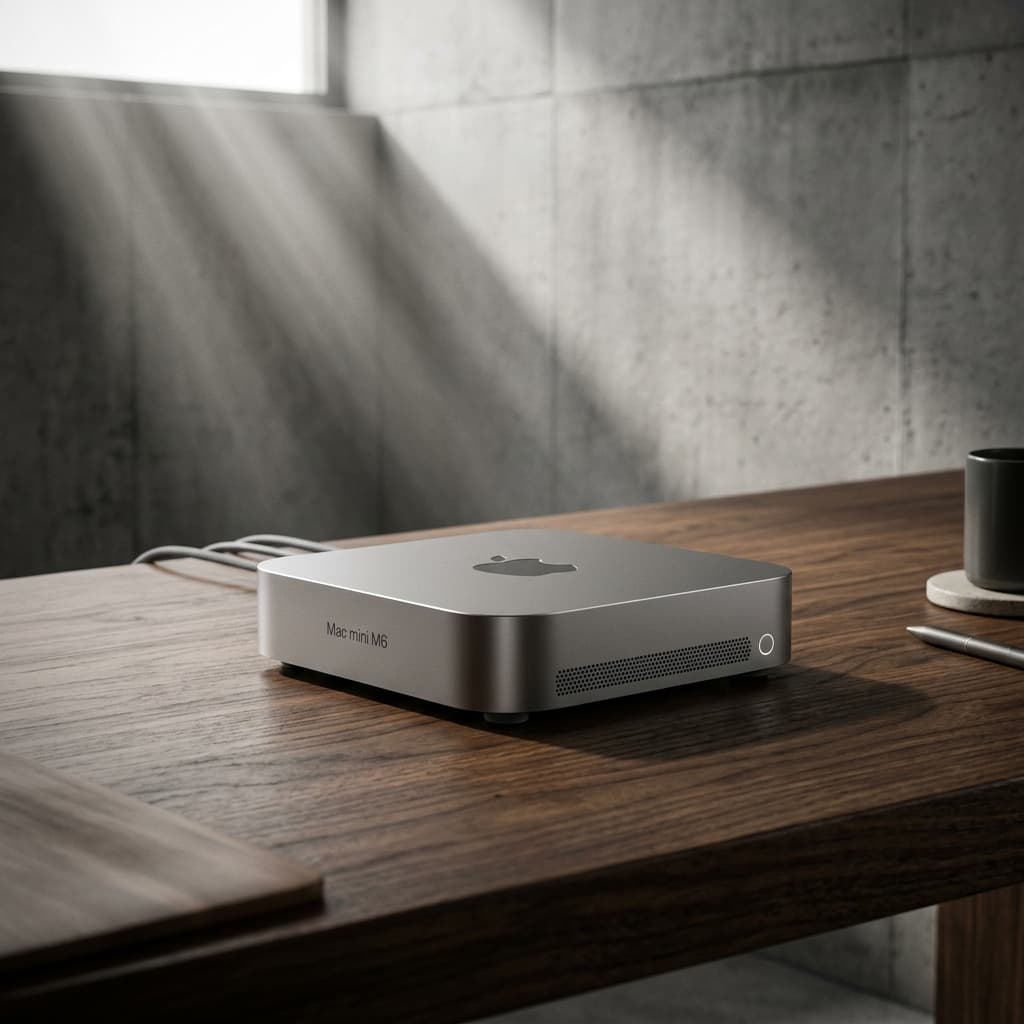
Apple Mac mini (M6)
The 2026 Mac mini featuring M6 and M5 Pro chips for up to 4x faster local AI performance.
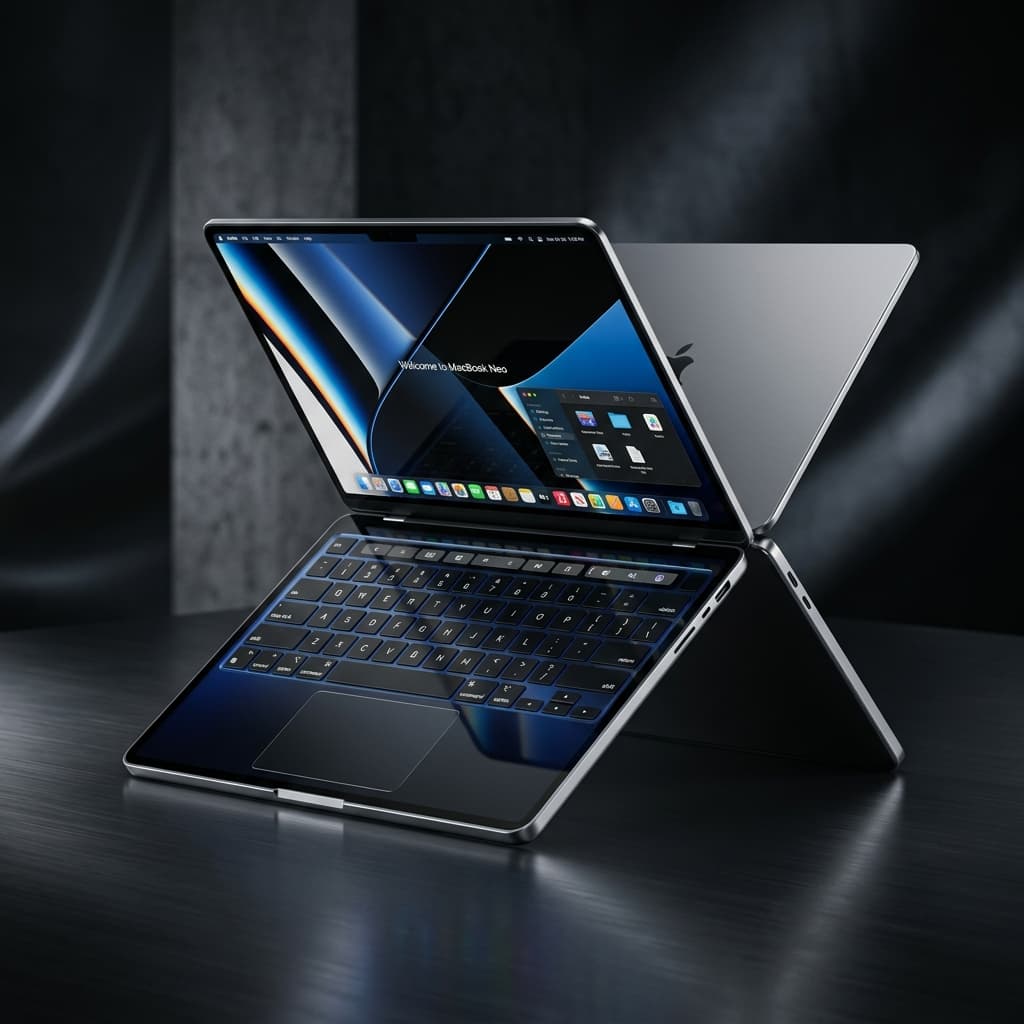
Apple MacBook Neo
Apple's entry laptop from $699 — the first MacBook running an iPhone chip.
Some links on item pages may earn a commission. It never affects what is shown or in what order.
The Bottleneck Analyzer
Select your architecture to reveal memory bandwidth limitations.
Maximum Memory Bandwidth
Theoretical 7B Inference (Q4)
252 t/s
The Hardware Explorer
Filter and search across our entire database of Local AI hardware.
NVIDIA DGX Spark 64GB
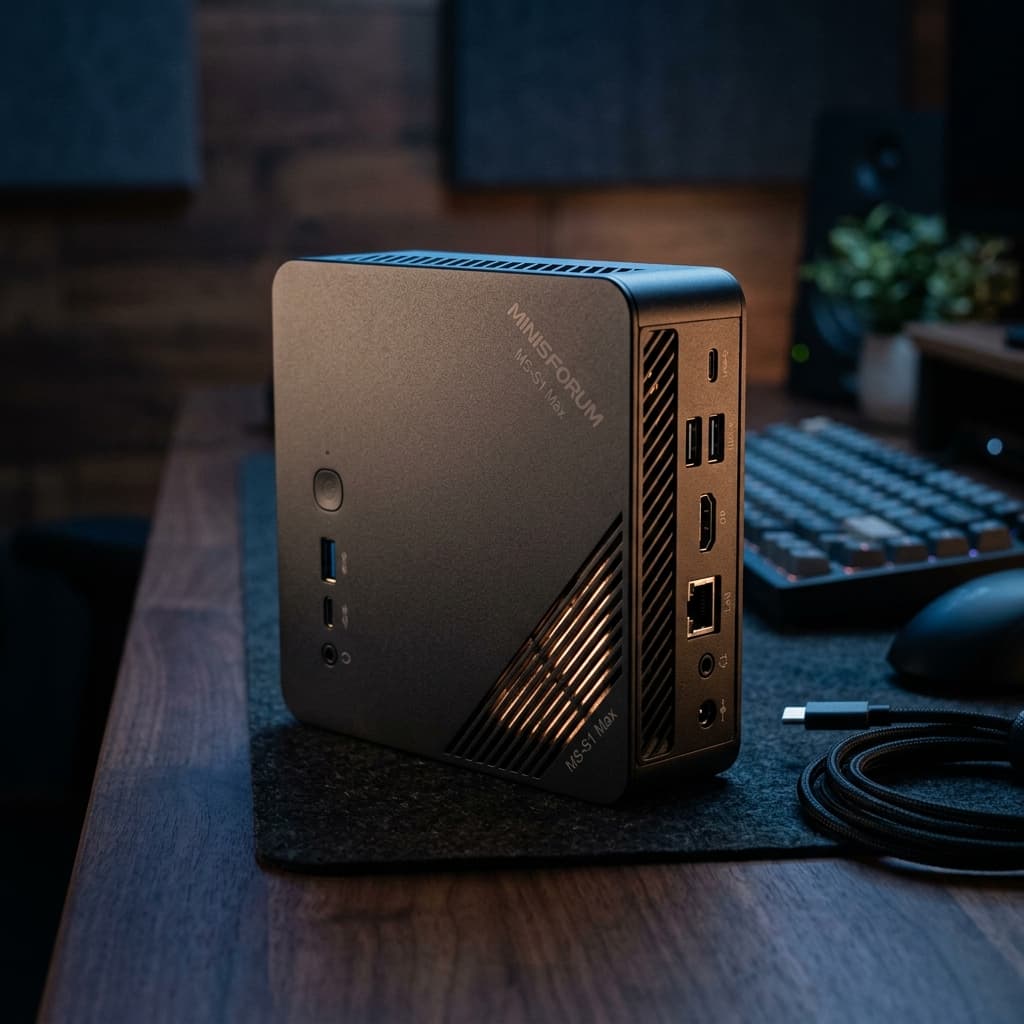
Minisforum MS-S1 Max
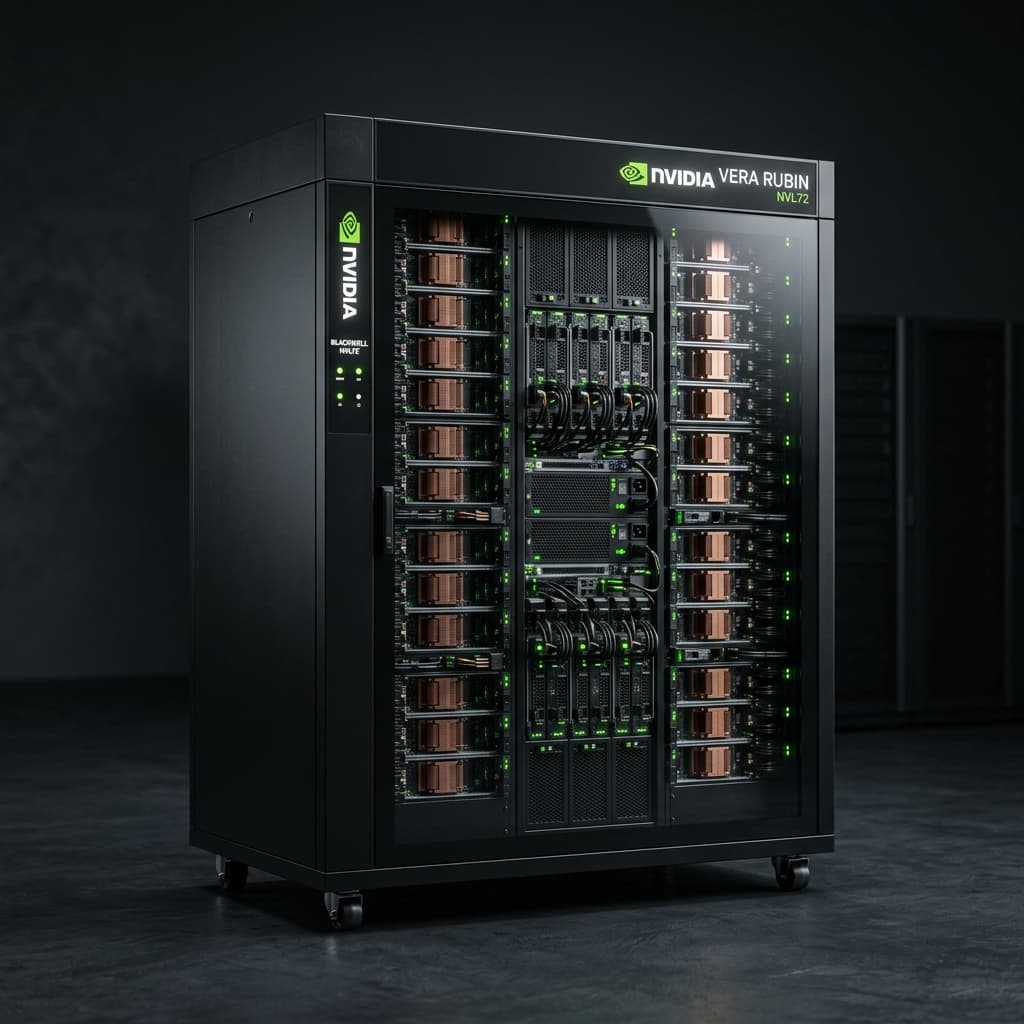
NVIDIA Vera Rubin NVL72
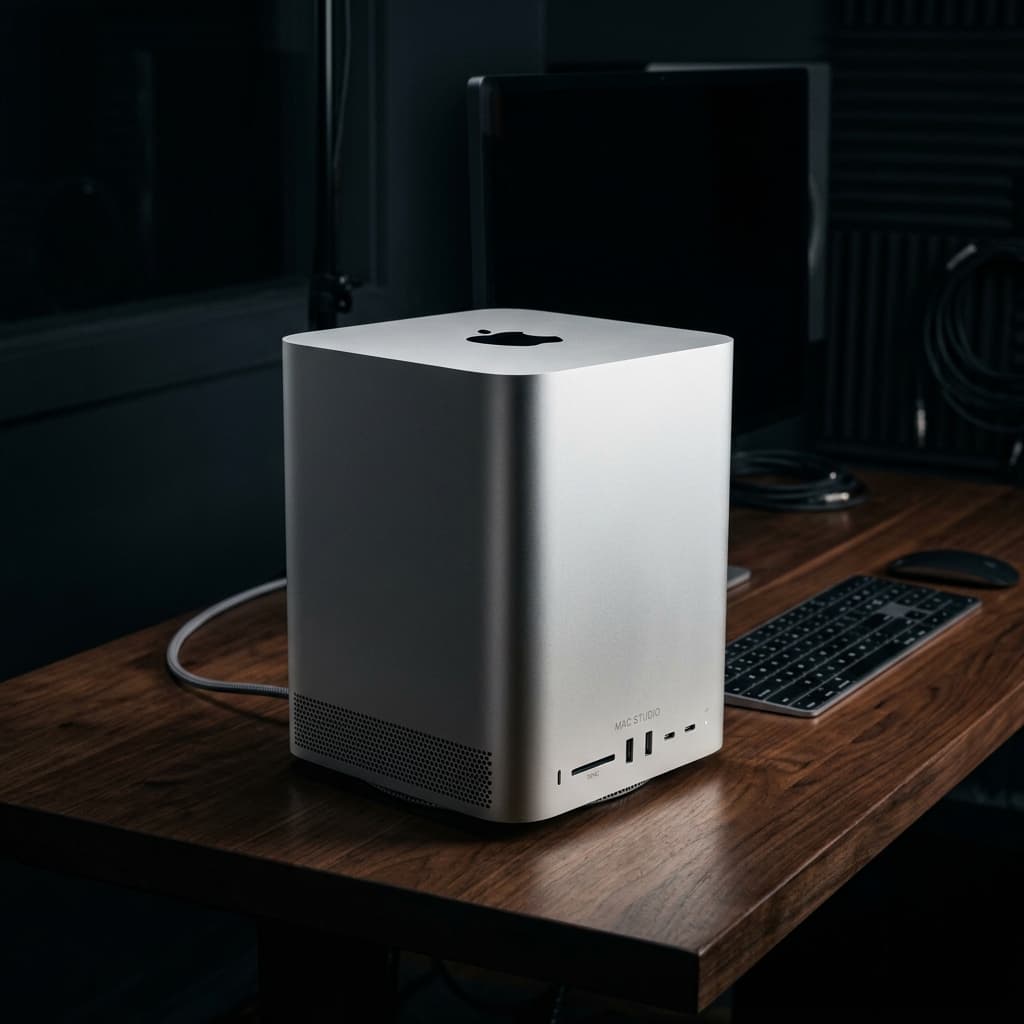
Apple Mac Studio (M5 Max/Ultra)
Radeon RX 9070
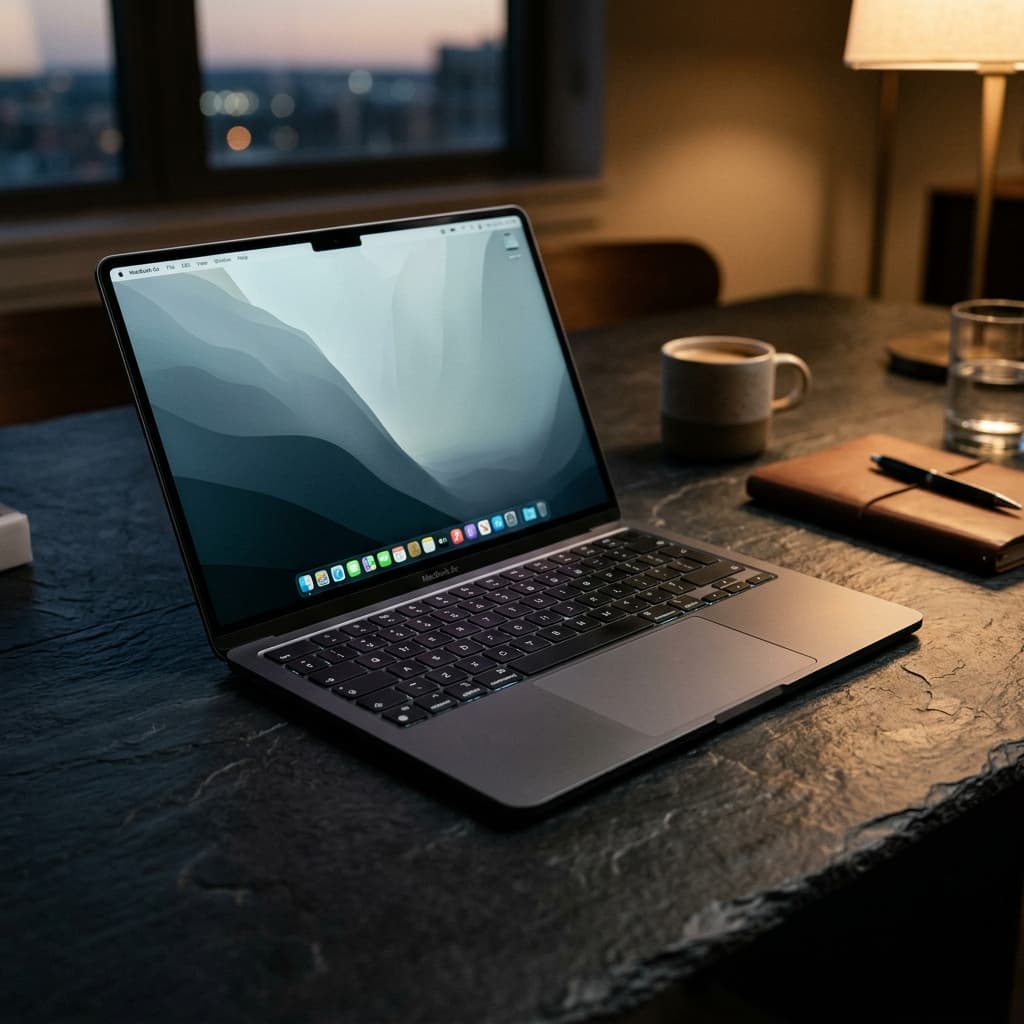
Apple MacBook Air (M5)
Radeon RX 9070 GRE
Brio 4K
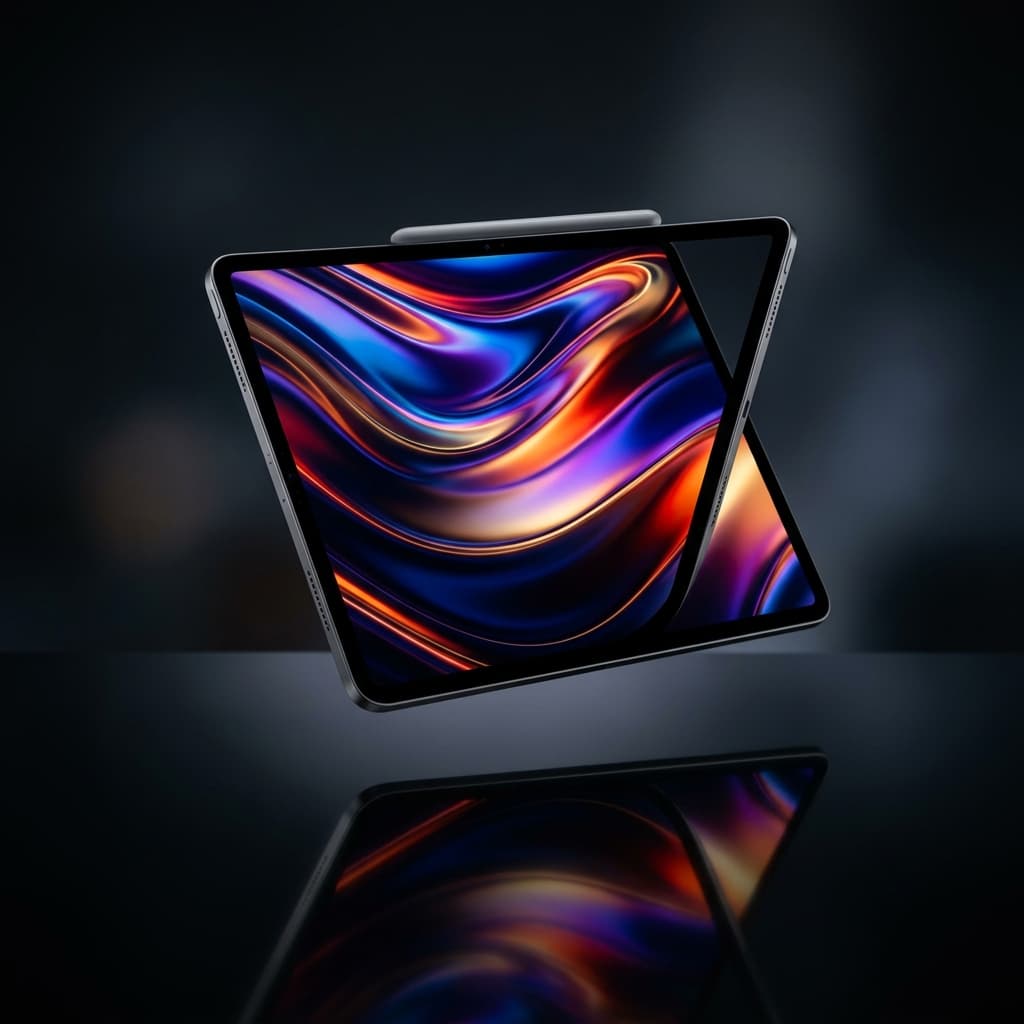
Apple M5 iPad Pro (OLED)
Xbox Series X
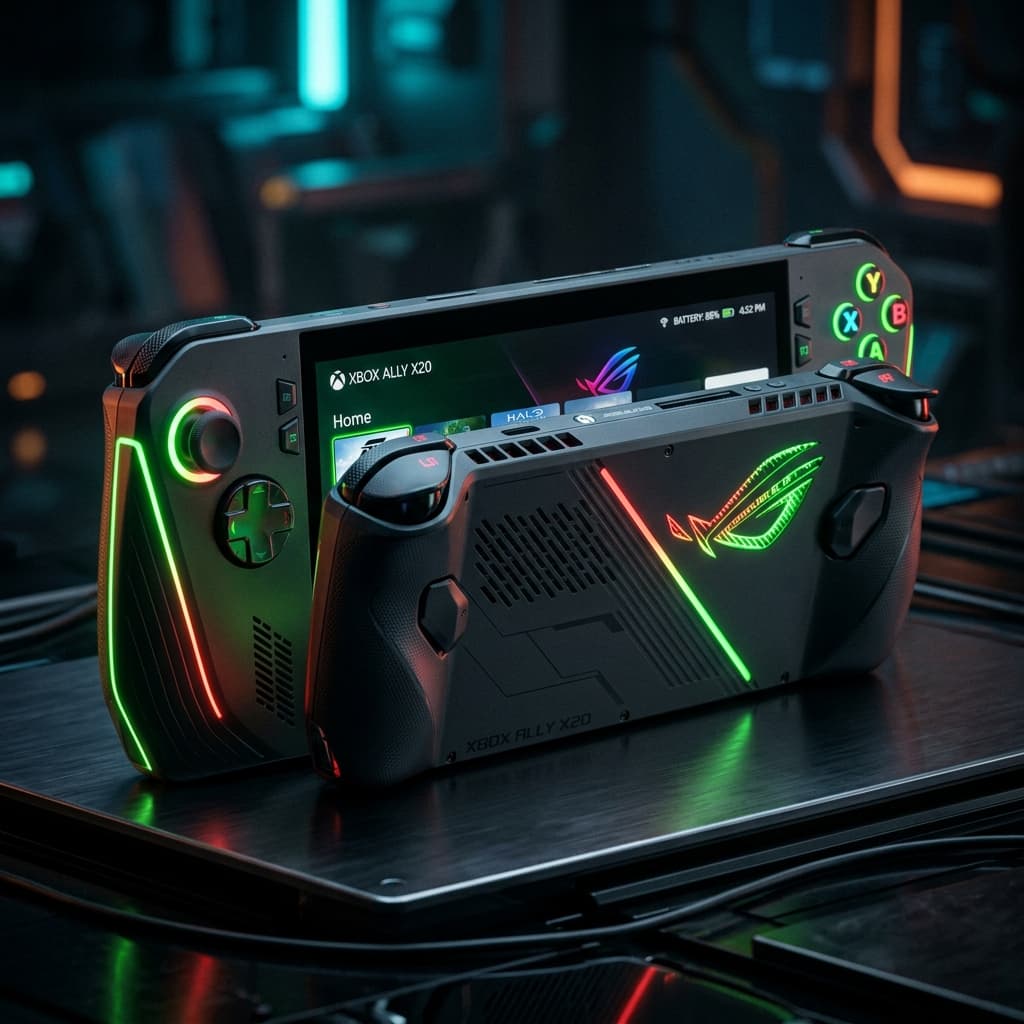
ROG Xbox Ally X20
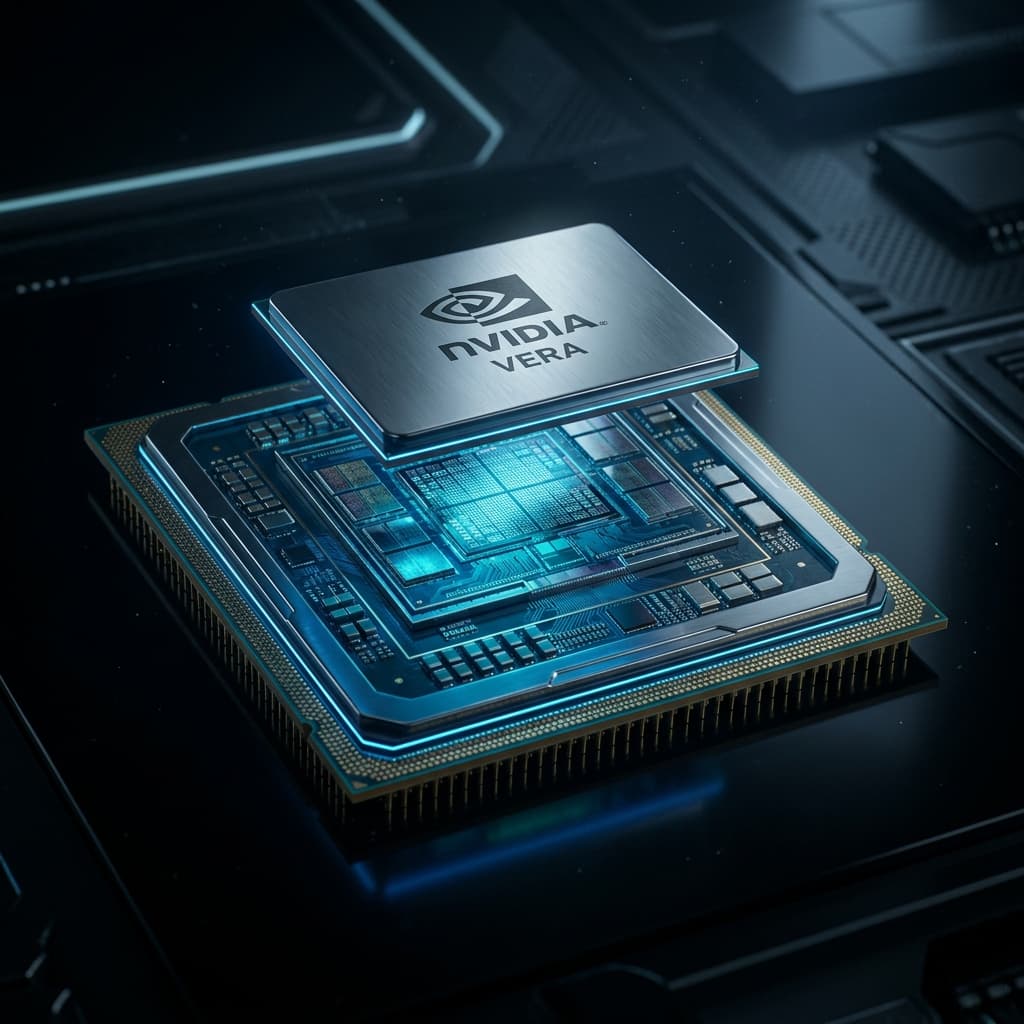
NVIDIA Vera CPU
+ 59 more items. Refine your search.
The Hardware Tiers
Top Pick
Apple Mac mini (M6)
The 2026 Mac mini featuring M6 and M5 Pro chips for up to 4x faster local AI performance.
Top Pick
Apple MacBook Neo
Apple's entry laptop from $699 — the first MacBook running an iPhone chip.
Top Pick
Apple Mac Studio (M5 Max/Ultra)
Extreme performance desktop for pro workflows, supporting up to 512GB of unified memory.
Deep dives & guides
Build blueprintsFrequently Asked Questions
Local AI Architecture
To run Llama 3 70B at a usable 4-bit quantization (Q4_K_M), you need approximately 40GB to 48GB of VRAM. This typically requires either a Mac Studio M2/M3 Ultra with unified memory, or a multi-GPU setup like 2x RTX 4090 or 2x RTX 3090.
Apple's Unified Memory offers massive capacity at a lower price point than enterprise GPUs, making it excellent for running huge models (like 70B or 104B parameters) that wouldn't fit on a single consumer GPU. However, for smaller models that fit entirely within a single RTX 4090 (24GB), the dedicated GPU will offer significantly faster token generation speeds.
Yes, you can offload layers to system RAM using frameworks like llama.cpp. However, system RAM bandwidth is typically around 50-90 GB/s, whereas a dedicated GPU like the RTX 4090 provides over 1000 GB/s. Offloading to system RAM will cause a massive bottleneck, resulting in very slow token generation speeds.
Currently, the best budget GPU for Local AI is a used RTX 3090 (24GB VRAM). It offers the same VRAM capacity as the RTX 4090 at a fraction of the cost, making it the king of budget inference. For brand new options, the RTX 4060 Ti 16GB offers a good entry point.