
NVIDIA Blackwell B200: what it changes, and what it doesn't, for local AI
announced
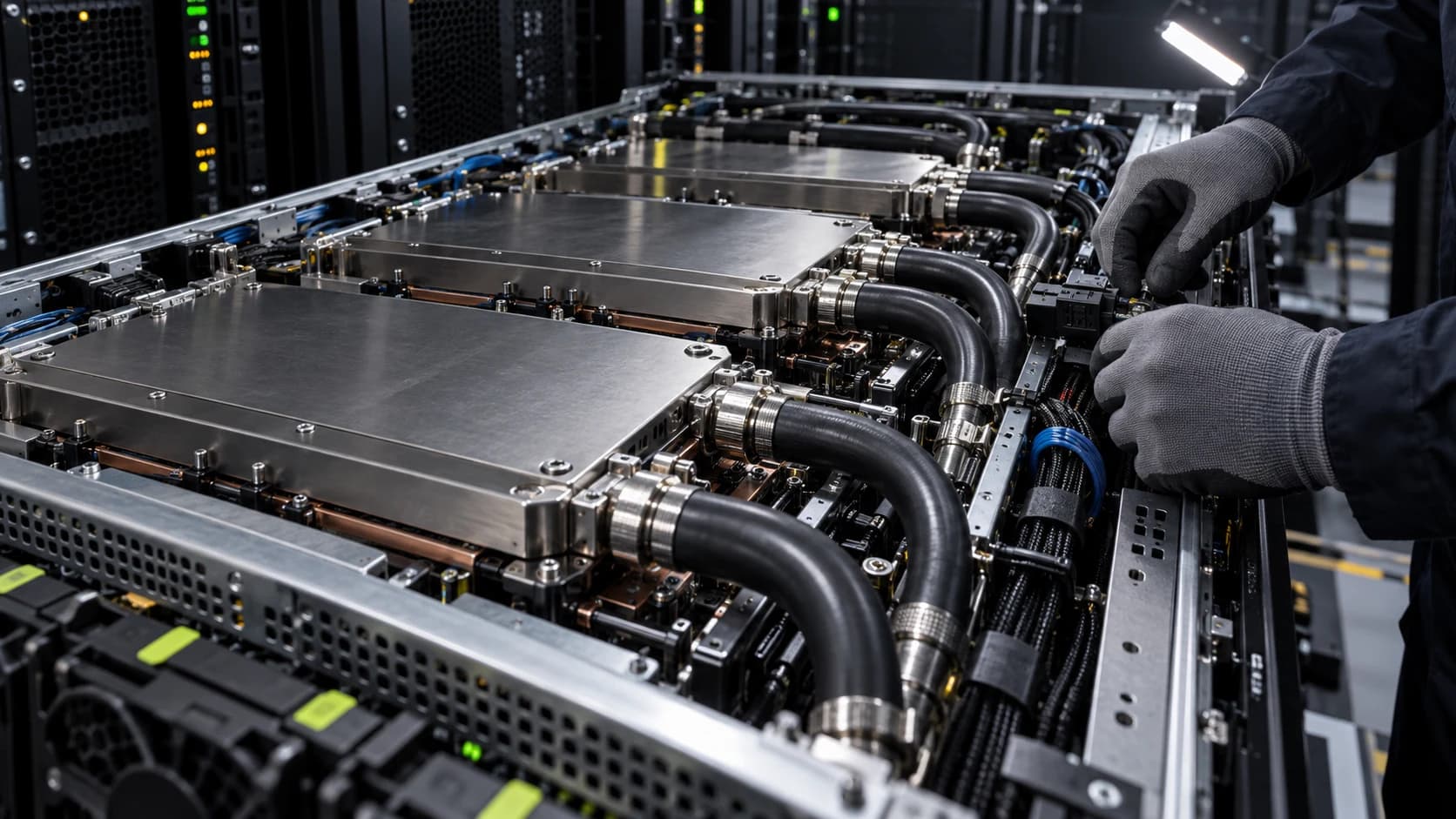
The B200 is a data-center part: large HBM3e capacity per GPU, a big jump in low-precision (FP4/FP8) throughput, and a rack-scale NVLink domain that lets many GPUs act as one. For anyone running models locally, the relevant question is narrow — does this reach a desk, and does it move used-market prices?
What it actually delivers
| Spec area | Direction | Practical effect |
|---|---|---|
| HBM capacity per GPU | Up | Larger models fit on fewer GPUs; less cross-node traffic |
| FP4 / FP8 throughput | Large jump | Faster inference if your stack uses those formats |
| NVLink domain size | Larger | The "one big GPU" illusion extends further before slower interconnect kicks in |
| Power per rack | Up | Liquid cooling moves from optional to required at density |
For local / small-scale AI
- It is not a desktop card. It ships in servers and racks; power and cooling rule it out of a home.
- The real trickle-down is N-1 pricing: as B200 ships into clouds, the previous generation (H100-class) softens on the secondary market. That is the card a well-funded local lab actually buys.
- The FP4 throughput gains matter to you only through the models and serving engines that adopt FP4 — watch llama.cpp / vLLM support, not the spec sheet.
The takeaway
Blackwell raises the ceiling for people building clusters, and its main gift to everyone else is cheaper last-generation silicon. If you're sizing a local rig, keep buying N-1: it's available, 30–40% cheaper, and fast enough.
END OF ANALYSIS
Related Intelligence
- GuideHow to build a local AI server with used GPUs: the RTX 3090 & Tesla P40 guide
- GuideBuilding a Tesla P40 rig for local AI: what you're really signing up for
- GuideRunning and fine-tuning open models on Windows (WSL2, DirectML, CUDA)
- GlossaryWhat is VRAM, and how much do you need for local AI?
- GlossaryWhat is unified memory, and why does it matter for AI?