
What is VRAM, and how much do you need for local AI?
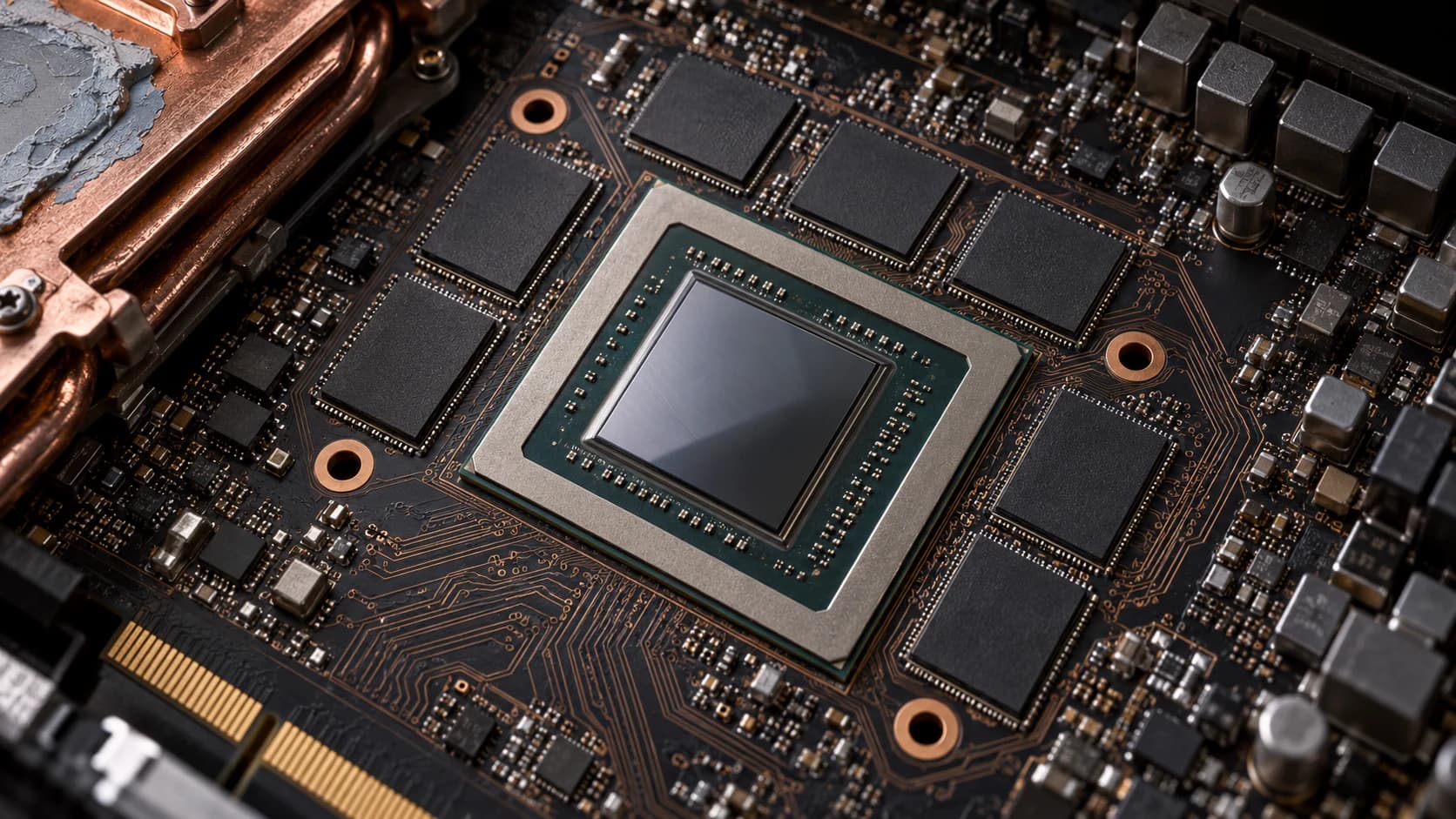
VRAM (video RAM) is the memory on a graphics card, and for running a language model locally it is usually the first limit you hit: the model's weights and its KV cache have to fit in it, or part of the model has to run from slower system memory. NVIDIA describes the two main contributors to a GPU's LLM memory requirement as the model weights and the KV cache.
How much VRAM a model needs
Weights. Each parameter is stored in a fixed number of bytes, so the weight memory is plain multiplication: parameters × bytes per parameter. At 16-bit precision (FP16 or BF16) a parameter takes 2 bytes, so a 7-billion-parameter model needs 7 × 10⁹ × 2 bytes, about 14 GB. NVIDIA uses exactly that example for Llama 2 7B, and Hugging Face states the same arithmetic as a rule of thumb: a model with X billion parameters needs roughly 2 × X GB of VRAM in bfloat16/float16. Quantization shrinks the bytes per parameter; llama.cpp, for example, supports 1.5-bit to 8-bit integer quantization "for faster inference and reduced memory use".
KV cache. During generation the model stores the attention keys and values of every token it has seen so it does not recompute them. NVIDIA gives the size per token as 2 × layers × (heads × head dimension) × bytes per value, where the 2 counts keys and values, and the total as that figure multiplied by sequence length and batch size. Its worked example: Llama 2 7B at 16-bit, batch size 1, 4,096 tokens of context comes to about 2 GB. The vLLM paper gives a second example: for the 13B OPT model, one token of KV cache takes 800 KB, and a single 2,048-token request can take as much as 1.6 GB.
Headroom. The GPU is not all yours. vLLM, by default, sizes itself to a fraction of GPU memory (the --gpu-memory-utilization setting, default 0.92 in its stable documentation as read on 29 September 2026; defaults can change between releases, so check the version you run), and its docs note that the CUDA graphs it uses for speed "take up extra memory in the GPU". Other engines make different choices, so check the one you use rather than assuming a fixed overhead.
Put together:
VRAM needed ≈ parameters × bytes_per_parameter
            + batch × context_tokens × 2 × layers × (heads × head_dim) × bytes_per_value
            + whatever the runtime reserves
Weight memory by model size (our arithmetic)
The table below is not a measurement and not a vendor figure. It is the multiplication above applied to the weights alone, with 1 GB = 10⁹ bytes and nominal bit widths. It leaves out the KV cache and runtime headroom, and a real quantized file can differ from the nominal size, so use the size of the exact file you download when it matters.
| Parameters | 16-bit (2 bytes) | 8-bit (1 byte) | 4-bit (0.5 byte) |
|---|---|---|---|
| 8B | 16 GB | 8 GB | 4 GB |
| 14B | 28 GB | 14 GB | 7 GB |
| 32B | 64 GB | 32 GB | 16 GB |
| 70B | 140 GB | 70 GB | 35 GB |
Why context length and concurrency cost VRAM
The KV cache grows linearly with batch size and sequence length, which NVIDIA says limits the throughput that can be served and makes long-context inputs harder. Two practical consequences:
- Longer context costs memory even if the model is small. Ollama's documentation notes that parallel requests multiply context: a 2K context with 4 parallel requests "will result in an 8K context and additional memory allocation".
- How the cache is managed matters as much as its size. The vLLM paper measured that in earlier serving systems only 20.4% to 38.2% of KV cache memory held actual token states, with the rest lost to fragmentation and over-reservation; PagedAttention was designed to bring that waste near zero. In the paper's example of a 13B model on a 40 GB NVIDIA A100, approximately 65% of memory holds the weights and close to 30% holds the dynamic state of requests, mainly the KV cache.
Engines give you levers here. vLLM lets you cap context (max_model_len) and concurrent sequences (max_num_seqs) to reduce memory use. llama.cpp's server lets you store the KV cache in lower-precision types (its default is f16). NVIDIA notes that models built with multi-query or grouped-query attention share keys and values across heads, which reduces the size of the KV cache; the formula above assumes every head keeps its own.
When the model does not fit
You do not always get a hard failure. llama.cpp supports "CPU+GPU hybrid inference to partially accelerate models larger than the total VRAM capacity", and its --n-gpu-layers option sets how many layers are stored in VRAM. Ollama reports the split directly: ollama ps shows "100% GPU" when a model is loaded entirely on the GPU and a mixed figure such as 48%/52% CPU/GPU when it is split. Why a split slows generation is covered under tokens per second: decoding is limited by how fast weights are read from memory.
VRAM or unified memory
A discrete card's memory is fast but fixed. In the manufacturers' specifications, checked on 29 September 2026, NVIDIA lists the GeForce RTX 5090 at 32 GB of GDDR7 with 1,792 GB/sec of memory bandwidth. Machines with unified memory trade some of that bandwidth for capacity: Apple's Mac Studio with M5 Ultra can be configured with up to 512 GB at 1.2 TB/s. Which is better depends on whether your model fits the card.
When VRAM is not the constraint
Hugging Face notes that for inputs under 1,024 tokens the memory requirement is dominated by the weights, so careful KV cache planning matters most for long contexts and several users at once.
In the index
- Hardware calculator, with per-model pages such as Llama 3.1 8B and Llama 3.3 70B
- Related entries: KV cache, quantization, context window, unified memory
- Hardware: NVIDIA GeForce RTX 5090, used RTX 3090, Mac Studio M3 Ultra vs RTX 5090
- Guide: Hardware for local AI
Sources
- NVIDIA Technical Blog, "Mastering LLM Techniques: Inference Optimization" (weights and KV cache as the two main memory contributors; 7B × FP16 ≈ 14 GB; KV cache formula; Llama 2 7B, batch 1, 4,096 tokens ≈ 2 GB; linear growth with batch and sequence length; MQA/GQA reduce KV cache size): https://developer.nvidia.com/blog/mastering-llm-techniques-inference-optimization/
- Hugging Face, "Optimizing LLMs for Speed and Memory" (roughly 2 × X GB of VRAM for X billion parameters in bfloat16/float16; weights dominate for inputs under 1,024 tokens): https://huggingface.co/docs/transformers/main/en/llm_tutorial_optimization
- Kwon et al., "Efficient Memory Management for Large Language Model Serving with PagedAttention", arXiv 2309.06180 (OPT-13B: 800 KB per token, up to 1.6 GB per request; 20.4%–38.2% of KV cache memory holds token states in earlier systems; ~65% of memory for weights on a 40 GB A100): https://arxiv.org/abs/2309.06180
- vLLM, Engine Arguments (
--gpu-memory-utilization, default 0.92 as read on 29 September 2026): https://docs.vllm.ai/en/stable/configuration/engine_args.html - vLLM, Conserving Memory (
max_model_len,max_num_seqs; CUDA graphs take extra GPU memory): https://docs.vllm.ai/en/stable/configuration/conserving_memory.html - ggml-org, llama.cpp README (1.5-bit to 8-bit quantization; CPU+GPU hybrid inference for models larger than VRAM): https://github.com/ggml-org/llama.cpp
- ggml-org, llama.cpp server README (
--n-gpu-layers; KV cache type, default f16): https://github.com/ggml-org/llama.cpp/blob/master/tools/server/README.md - Ollama, FAQ (
ollama psGPU/CPU split; 2K context × 4 parallel requests = 8K context): https://docs.ollama.com/faq - NVIDIA, GeForce graphics cards comparison (RTX 5090: 32 GB GDDR7, 1,792 GB/sec): https://www.nvidia.com/en-us/geforce/graphics-cards/compare/
- Apple, Mac Studio technical specifications (M5 Ultra: up to 512 GB unified memory, 1.2 TB/s): https://www.apple.com/mac-studio/specs/
In the Fathom index
GPUs and builds in the index that list their video memory. Matched on each item's own record and sorted A–Z, not by merit.
- Local AI HardwareGeForce RTX 5060Memory Specs / Standard Memory Config: 16 GB / 8 GB GDDR7
- Local AI HardwareGeForce RTX 5060 TiVRAM: 8 GB GDDR7
- Local AI HardwareGeForce RTX 5070Memory Specs / Standard Memory Config: 16 GB GDDR7
- Local AI HardwareNvidia GeForce RTX 3090 (Used)Memory Specs / Standard Memory Config: 24 GB GDDR6X
Showing 4 of 10.Browse Local AI hardware →
Related Intelligence
- GlossaryWhat is unified memory, and why does it matter for AI?
- GuideHow to build a local AI server with used GPUs: the RTX 3090 & Tesla P40 guide
- GuideBuilding a Tesla P40 rig for local AI: what you're really signing up for
- GuideRunning and fine-tuning open models on Windows (WSL2, DirectML, CUDA)
- GuideOptimising local LLM inference: where the bottleneck actually is